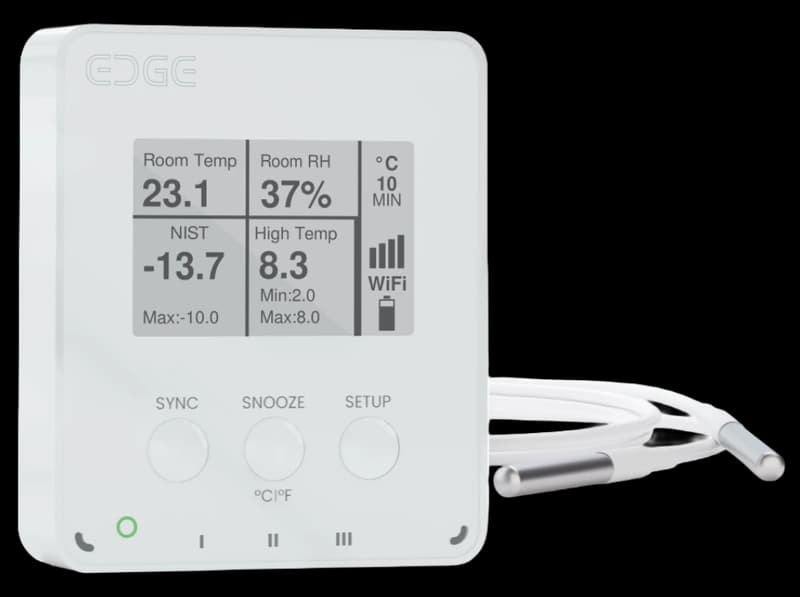
EDGE Thermo WiFi
EDWITR • EDGE
- WiFi
- BLE
- Sensor ports: 3
- 24-month warranty
In the box
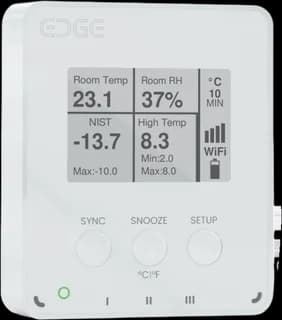
EDGE Thermo WiFi
EDWITR
- ×2
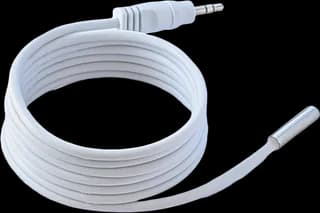
External temperature probe
Ports I + IIIWaterproof, detachable digital probe on a 1.5 m (5 ft) cable, rated −55 °C to +125 °C (−67 °F to +257 °F). Reaches up to 15 m (50 ft) with 3 m (10 ft) extension cables.
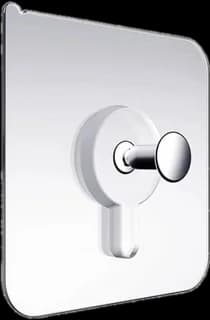
Hanger sticker
Adhesive mount for hanging the logger on a wall or shelf without tools.
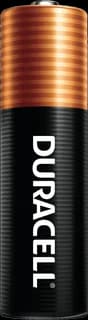
4 × AA batteries
About 2 years per set, depending on settings. USB-C power is optional, and the batteries keep logging and alarms running through a power cut.
Where each sensor plugs in
The ports are marked I, II and III on the device. Plug each sensor into the port shown here.
- Port I:Temperature probeIn the box
- Port II:Dry contact or floodOptional
- Port III:Temperature probeIn the box
Available to add
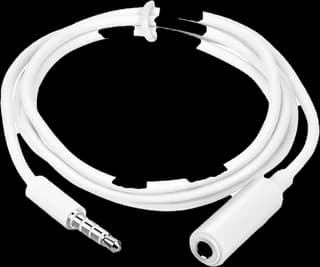
Probe extension cable, 3 m (10 ft)
Ports I / IIILets the logger sit outside the cold space it measures. A probe reaches up to 15 m (50 ft) with extensions.
View in shop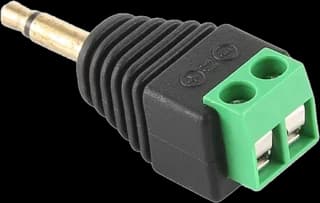
Dry contact adapter
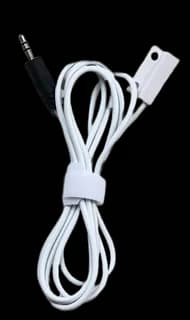
Port IIA 2-pole terminal to 3.5 mm (1/8 in) jack adapter that brings any open/close contact, such as a door switch or a fridge alarm relay, into the digital input (Port II).
Ask usDoor magnet switch
Port IIMagnetic open/close switch for door-ajar alarms on fridges, freezers and cabinets. Connects through the dry-contact input.
View in shopFlood detector kit
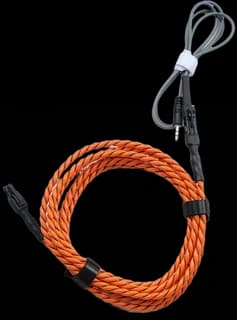
Port IILeak-sensing cable that detects water anywhere along its length, for plant rooms, basements and the floor under equipment.
View in shop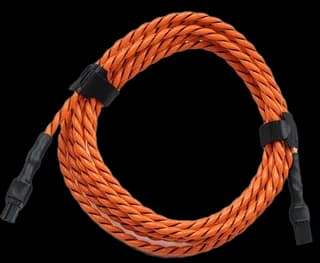
Flood sensor extension
Port IIExtends the leak-sensing cable of the flood detector kit to cover more floor.
View in shop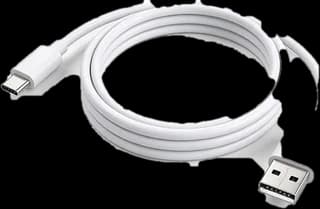
USB-C power
Use any standard 5 V USB charger. The device runs on USB-C power while it is connected and falls back to its batteries if that power is cut, which is what makes the power-outage alert possible.
Add-ons with a “View in shop” link are sold in our online store. For the others, contact us and we will help you get them.
Set it up
Do this first.Register the device before you set it up. Create and verify a free account at app.maxlinc.com, then add the device with the Serial Number and DUID from its label. The device must be registered before its WiFi setup.
- Go to app.maxlinc.com, or scan the QR code shown on the device display.
- Create and verify your account, then add the device with the Serial Number and DUID from its label.
- Finish the registration wizard: recording interval, syncing interval and alarm thresholds.
- Press the SETUP button (the right button) to start the setup hotspot.
- Join the “Datalogger” WiFi network from your phone or laptop. If no page opens, browse to 8.8.8.8.
- Pick your 2.4 GHz network and enter its password. The password is case-sensitive.
- Plug the probes into Port I and Port III. Port II is the digital input for a dry contact, such as a door switch or a flood sensor.
Things that trip people up
- 2.4 GHz only, with a WPA/WPA2 pre-shared key and DHCP. 5 GHz networks and static IP addresses are not supported.
- Guest, hotel and campus networks that show a second login page will not work: the device cannot get past a captive portal.
- The display refreshes only at each recording interval and pauses its updates below 0 °C (32 °F). A screen that looks frozen in a freezer is normal.
- Each probe has a 1.5 m (5 ft) cable and reaches up to 15 m (50 ft) with 3 m (10 ft) extension cables. Keep the lengths of the two probe runs within 3 m (10 ft) of each other.
- If the setup page will not load at 8.8.8.8, try 192.168.4.1.
Warranty and service
Hardware Warranty
All MaxLinc EDGE and BLOCK environmental data loggers come with a 24-month limited warranty from the date of purchase (your invoice date). Registering the device in the app does not start or change the warranty. Accessories and NFC tags carry the same warranty. The warranty covers defects in materials or workmanship under normal use and maintenance. If a product or part is found to be defective during the warranty period, we will repair or replace it at no charge.
What the warranty does not cover
- Consumable parts, such as batteries or hanger stickers.
- Cosmetic damage, including scratches or cracked or broken enclosures.
- Damage caused by accidents, abuse, misuse, liquid contact, fire, earthquakes or other external causes.
- Defects caused by tampering or repairs performed by unauthorized persons.
For replacement products or parts, the remaining warranty of the original product or 180 days from the date of replacement or repair, whichever is longer, will apply.
Have this ready
- The Serial Number and DUID from the device label.
- Your MaxLinc order number or purchase date.
- What the device is doing, and what you expected it to do.
- A screenshot of the device card in app.maxlinc.com, if it is registered.
Then email Support@MaxLinc.com or call 1-888-365-8880.
Questions about this product
Setup & connectivity
How hard is setup?
Tool-free and quick. For WiFi you connect the device to your network in the app and you're monitoring in minutes — no installer needed. Cellular units connect themselves over the built-in eSIM.
What are the WiFi requirements?
The device joins any standard 2.4 GHz network (it does not use 5 GHz). During setup you briefly connect your phone to the device's temporary hotspot, a setup page opens, and you pick your network and enter the password. A short beep pattern confirms success.
Is the data real-time?
Alarms are effectively real-time — a threshold breach uploads and alerts you immediately. Routine readings upload on a sync interval you choose (1 minute to 24 hours), set separately from how often the device records, so more frequent syncing gives finer data at the cost of battery.
Accuracy & compliance
How accurate is it, and is there a calibration certificate?
Every product page lists that model's temperature, humidity and CO2 accuracy. EDGE Pharma One and Two probes are NIST-traceable and come with a NIST-traceable calibration certificate.
How do the NIST calibration certificates work?
The certificate is issued to the sensor/probe, not the whole device, and ships with the probe. You can look one up without logging in — enter the probe's ID or scan its QR code to see the issue date, valid/expired status and download the certificate PDF.
How do I know when a calibration certificate expires?
The expiry date is printed on the certificate and tracked automatically in the cloud, which emails you before it lapses. You renew it by swapping in a newly calibrated probe.
Alarms & alerts
How will I be alerted if something goes wrong?
By SMS text, automated phone call, email and mobile push notification, plus an audible buzzer and visible alarm on the device itself. Alerts repeat until the reading is back within your limits; anyone can acknowledge an alarm with a note, and the log keeps their name, the time and the comment.
Can I send alerts to more than one person?
Yes. Each person is added by sharing the device with them, and each controls their own text, call and push preferences. With Premium (included for the first year, and always included on cellular) you can add as many people as you like. On the free Standard tier, people already on the list keep their alarms, but adding someone new needs Premium.
Will I get flooded with false alarms?
No — the system has a four-level alarm engine: instant (threshold cross), persistent/delayed (only if the condition holds), trend/drift (warns before a limit is breached), and event-based (flood or door contact). Cumulative time-weighted alarms are also available, such as an 8-hour average CO2 exposure.
Battery & power
How long does the battery last?
Up to 3 years on 4 standard AA batteries for BLOCK WiFi models, and about 2 years for EDGE WiFi models and about 1 year for EDGE Cellular models. Real life depends on recording and upload settings, signal, temperature, battery quality and alarms.
Can I run it on USB power instead of batteries?
Yes — EDGE and BLOCK units accept USB-C power and switch to it automatically when plugged in, falling back to batteries if external power is lost. That's ideal for permanent installations.
Will it warn me before the batteries die?
Yes. The device shows a low-battery indicator and the cloud sends a low-battery email alert. Always replace all the batteries at the same time with fresh, good-quality AA cells.
Still stuck?
Last updated: