Vista is an optional 3D visualization upgrade. Our standard hardware works perfectly out-of-the-box using our simple free web dashboard.
Stop Searching.
Start Seeing.
MaxLinc Vista bridges reality and the cloud. No gateways. No apps. Just instant, spatial visibility of your critical IoT assets, direct to your browser.
What is a Digital Twin?
A Digital Twin is an exact, interactive 3D replica of your physical facility. Instead of reading raw sensor data from boring spreadsheets or flat 2D maps, a Digital Twin maps your live telemetry data directly onto a realistic 3D model of your building, equipment, and environment.
Why is it Important?
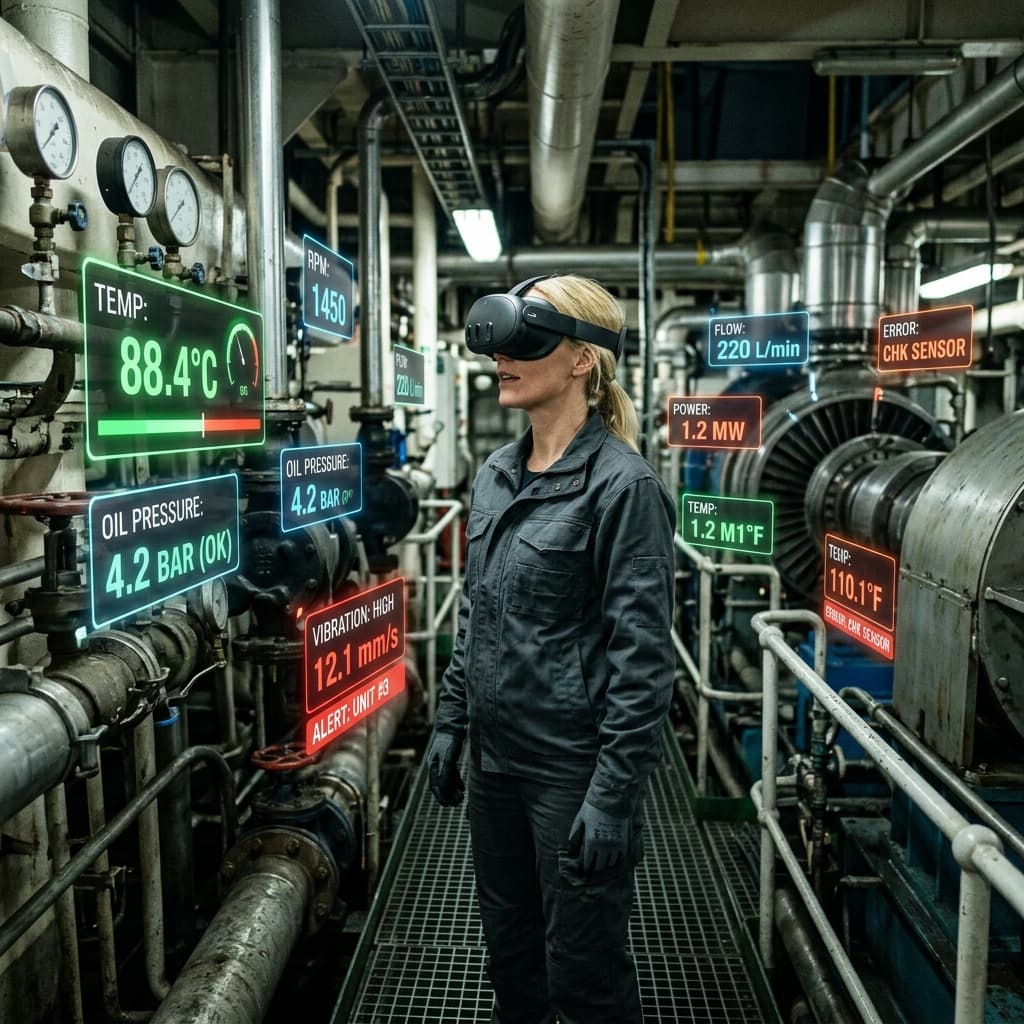
Context is everything. Knowing a pipe is 100°C (212°F) is useful, but seeing exactly which pipe is overheating within a complex 3D engine room prevents catastrophic failures and drastically reduces troubleshooting time.
Why is it Useful?
It enables total spatial awareness. You can remotely "walk" through your 3D facility from a web browser, spot anomalies instantly with color-coded tags, and share precise physical locations of issues with maintenance teams before they even arrive on site.
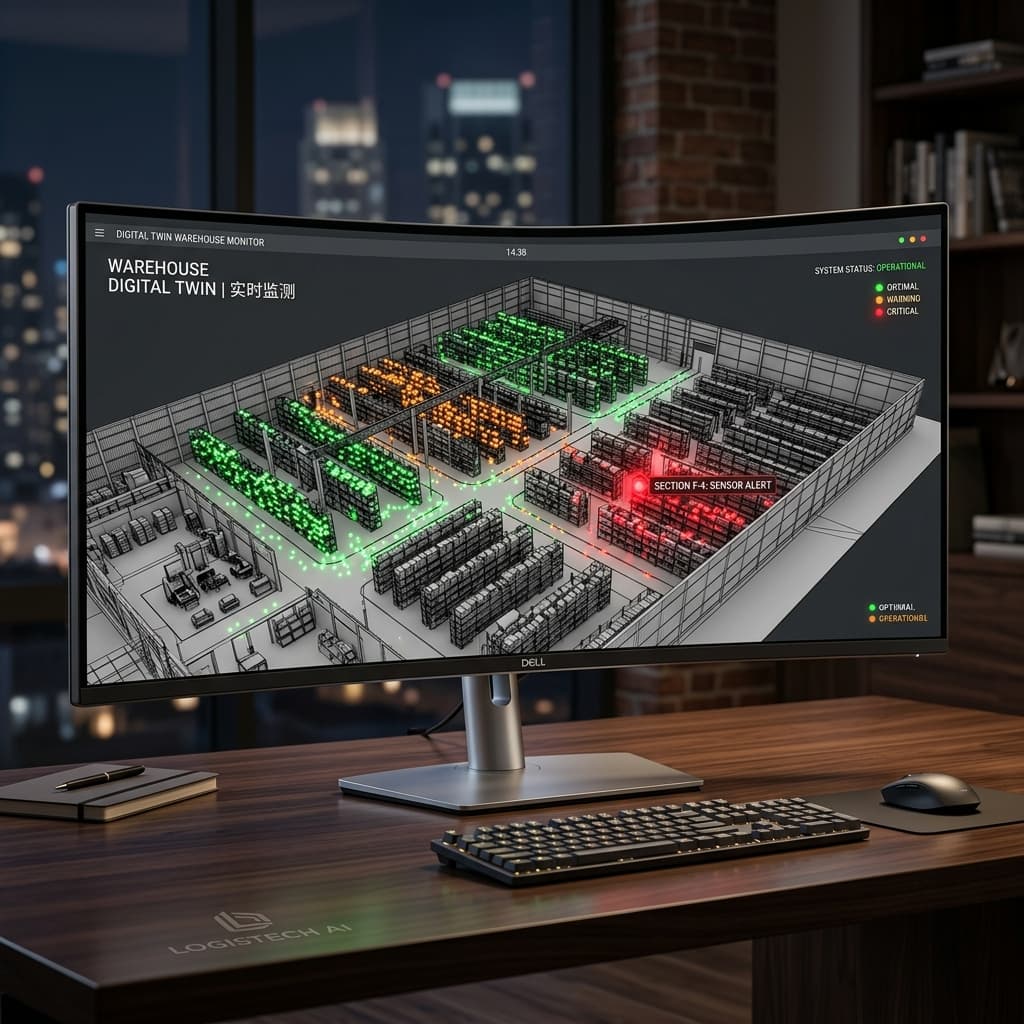
No Headset? No Problem.
Full 3D on Flat Screens.
MaxLinc Vista isn't limited to immersive headsets. The exact same spatial database and interactive 3D mesh can be viewed directly on your standard desktop monitor, laptop, or tablet.
Orbit, Pan, and Zoom through your fully rendered 3D facility using standard mouse or touch controls. It's the ultimate remote command center for traditional workstations.
Your Engine Room. Your Reality. Your Data.
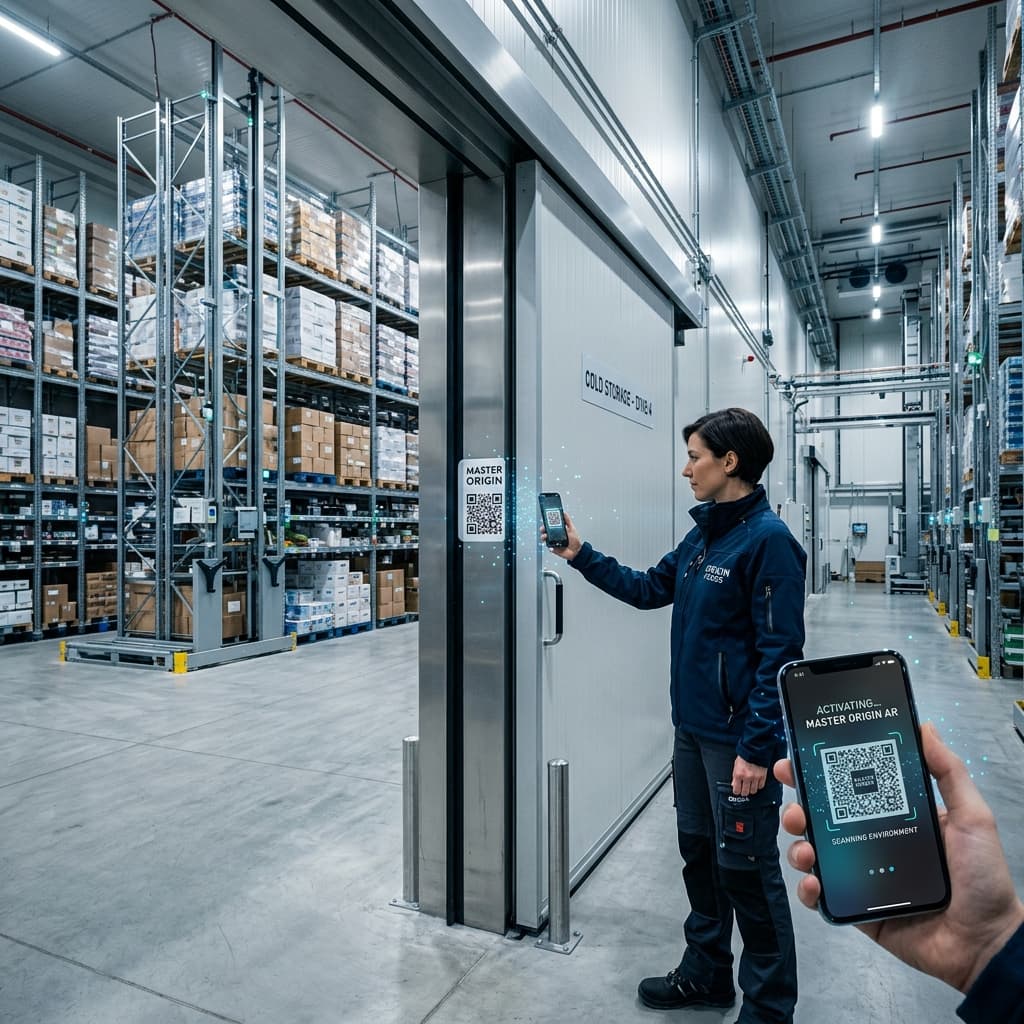
Scan the Master QR Code on the door to instantly calculate your 3D position. View live Blinking Colored Dots floating over your physical equipment. Choose your preferred on-site visualization method:
1. Mobile AR (Phone / Tablet)
Instantly access AR view through any modern mobile browser. No app required.
2. Headset Passthrough
Wear an AR/VR headset like Meta Quest 3 for a hands-free, immersive, mixed-reality experience on the facility floor.
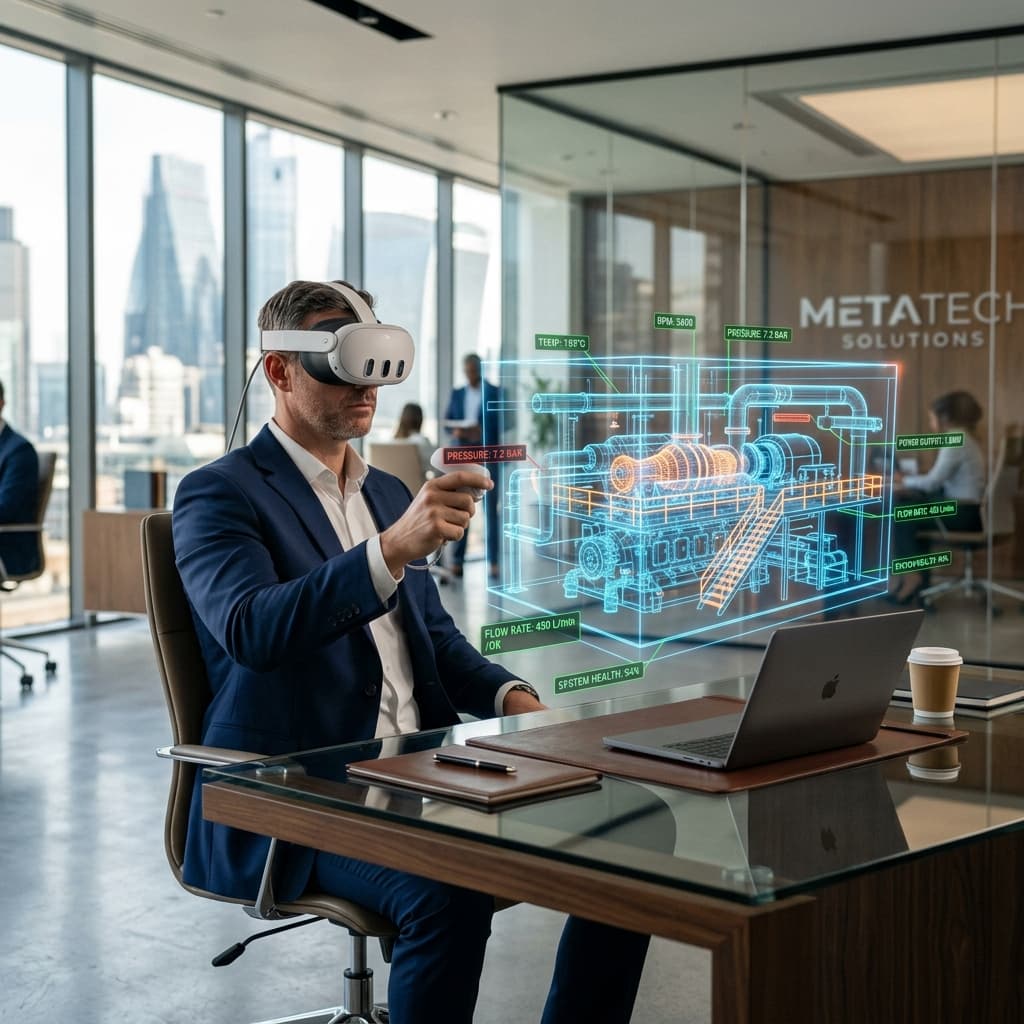
Management from Anywhere.
Walk the Floor from Your Desk.
Toggle from AR to VR Mode. Load the full 3D Digital Twin of your site directly into your VR headset while sitting in your office halfway across the world.
Managers can physically "walk" around the virtual room, see the live colored data points inside the 3D mesh, and identify critical status trends remotely as if they were physically there.
The Zero-Gateway Wizard.
Up and Running in Minutes.
We've removed the complexity. No gateways. No app downloads. Just a seamless workflow.
Print the Master QR
Place it at the entrance of your facility.
Set the Origin
Scan it once to establish your spatial coordinate system.
Walk and Tag
Pinpoint sensors virtually on your equipment.
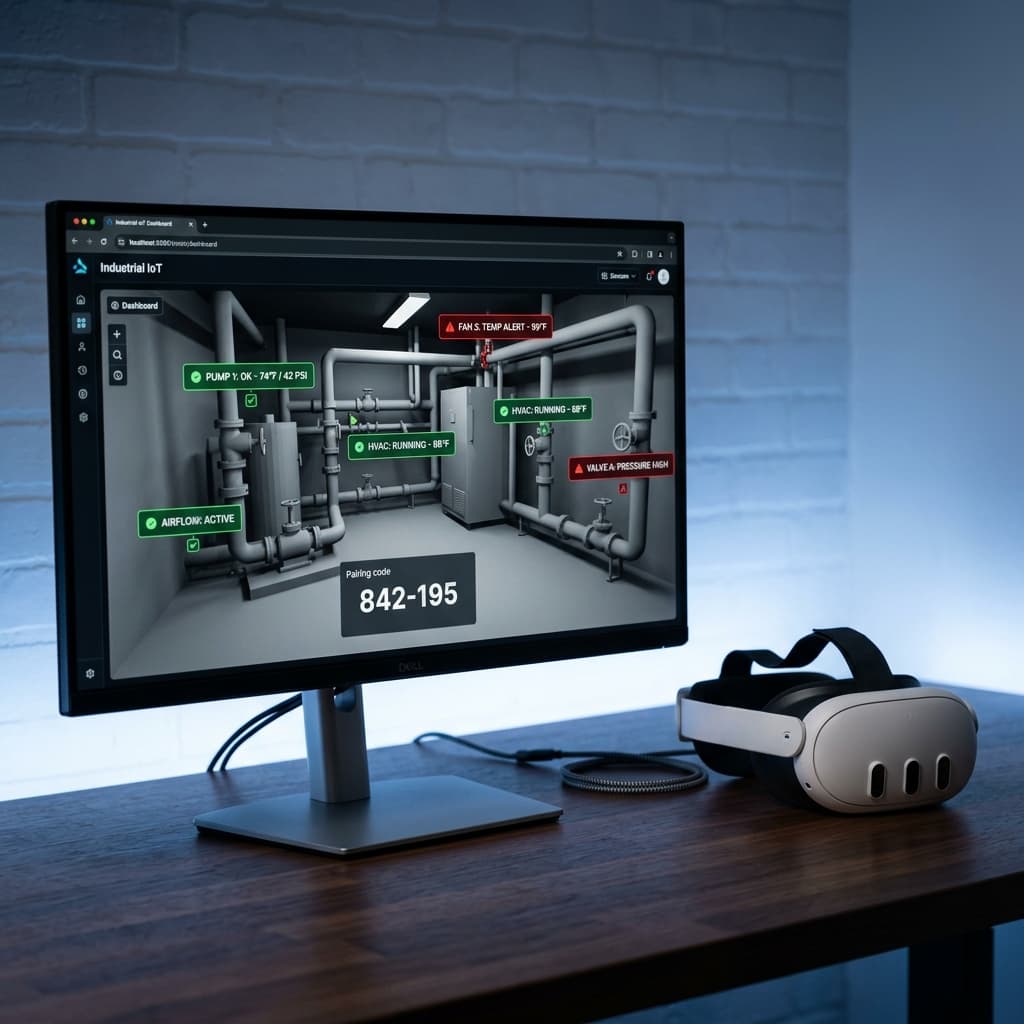
Use our seamless 6-digit handoff code to transfer the setup from your desktop to a Meta Quest 3 for instant 3D room mapping and precise pin placement.
Engineering Precision.
Spatial Clarity.
Direct-to-Cloud
No gateway hardware required. Sensors communicate directly with the MaxLinc Cloud.
Traffic Light Logic
Instantly know what's optimal (Green), warning (Orange), or in alarm (Red) at a single glance.
Shared Coordinates
One spatial map guarantees perfect alignment for both on-site AR and remote VR.
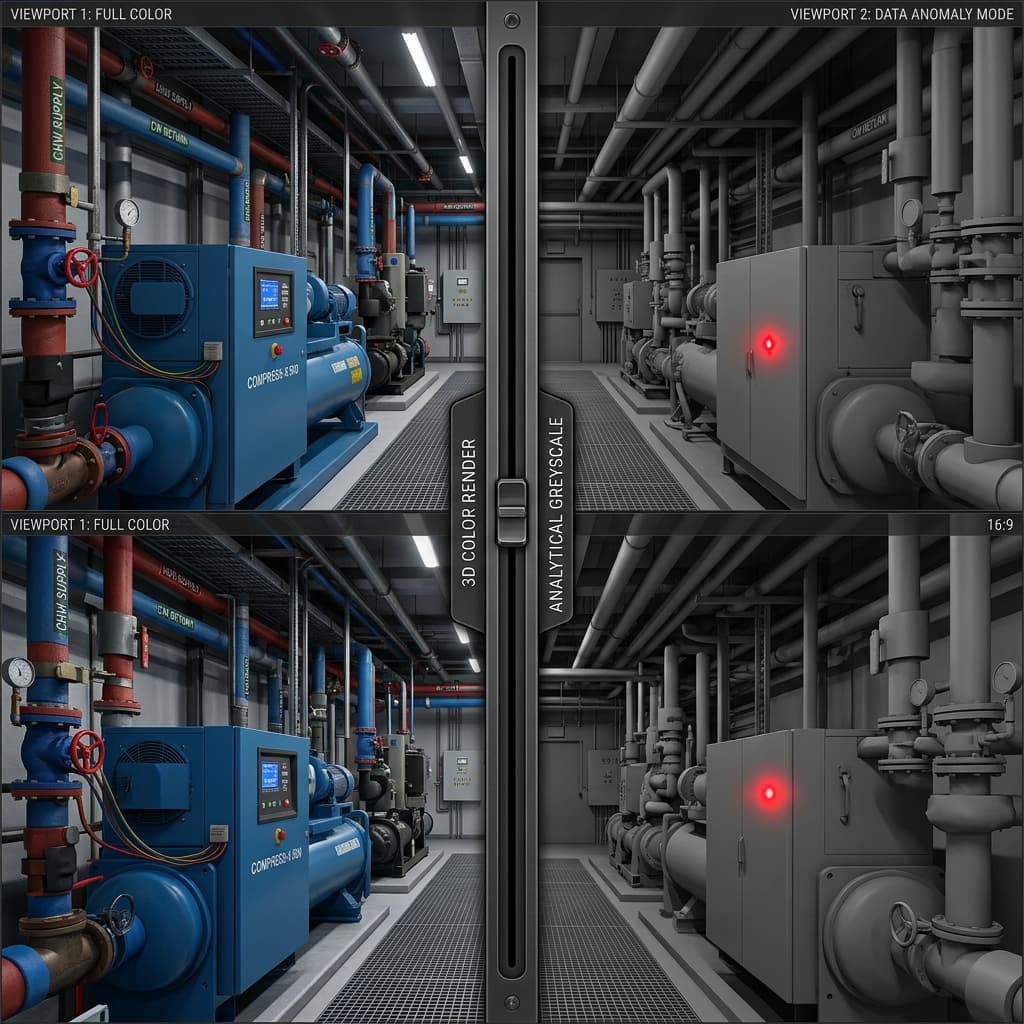
5-Step Grayscale Focus
Fade the physical room mesh to make your colored data tags "pop." Reduce visual noise and focus instantly on the critical anomalies.
Full Browser Compatibility
Works seamlessly on VisionPro, Quest 3, or any ARCore/ARKit compatible Android or iOS device via the web.
Universal Compatibility
Whether you are deploying simple temperature loggers or complex environmental monitors, every single product in the MaxLinc ecosystem can be hooked up to MaxLinc Vista out of the box.
Transforming Every Industry
See how MaxLinc Vista is revolutionizing spatial telemetry across diverse environments.
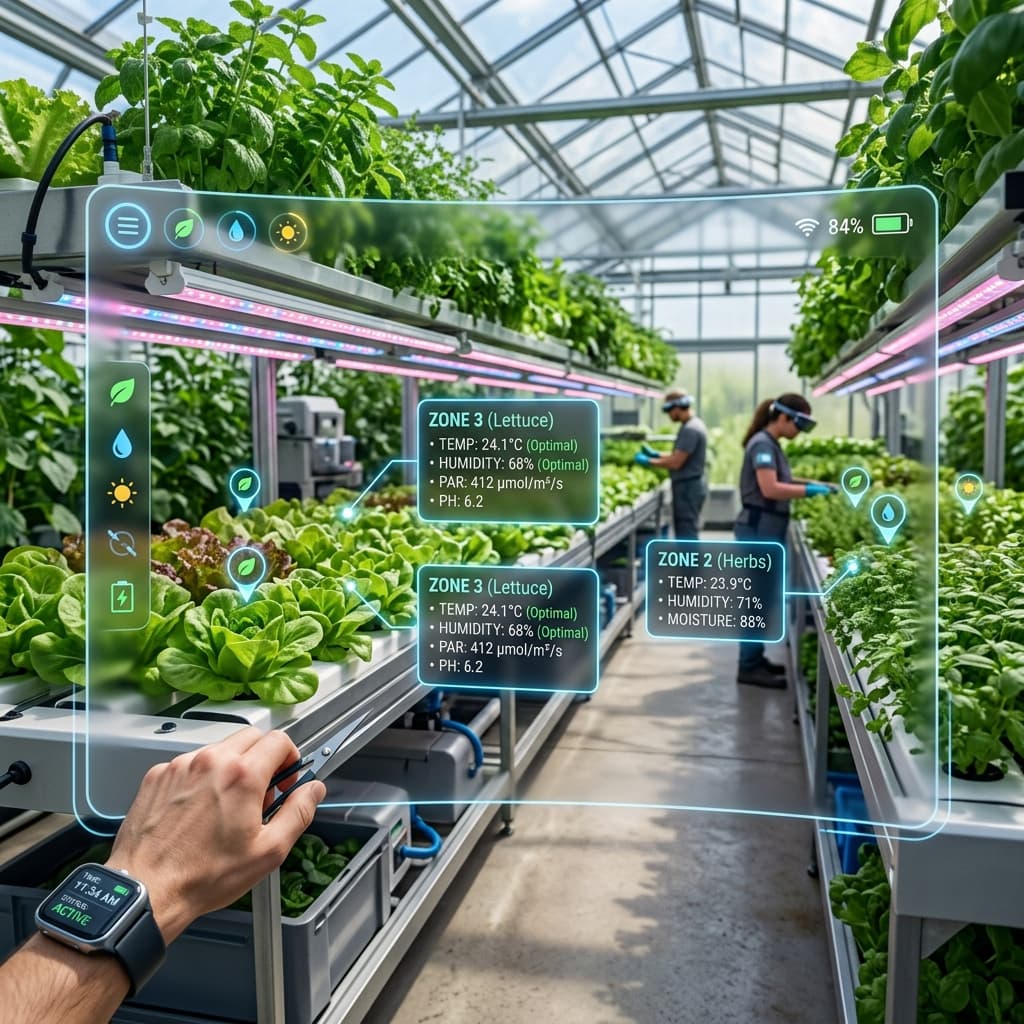
AgTech & Greenhouses
Monitor hyper-localized climate data, soil moisture, and vapor pressure deficits by looking directly at your crops through AR.
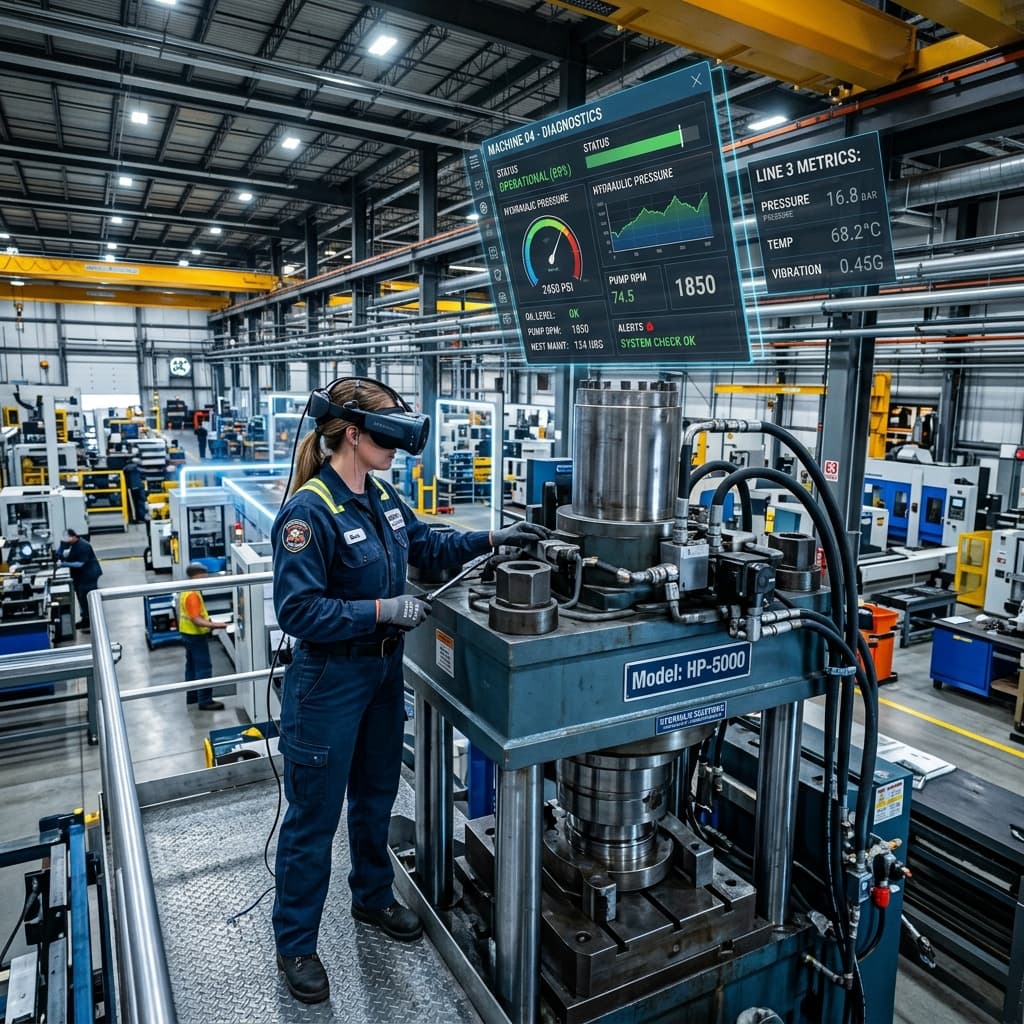
Industrial Manufacturing
Visualize machine diagnostics, 3-phase power telemetry, and predictive maintenance alerts floating directly above heavy equipment.
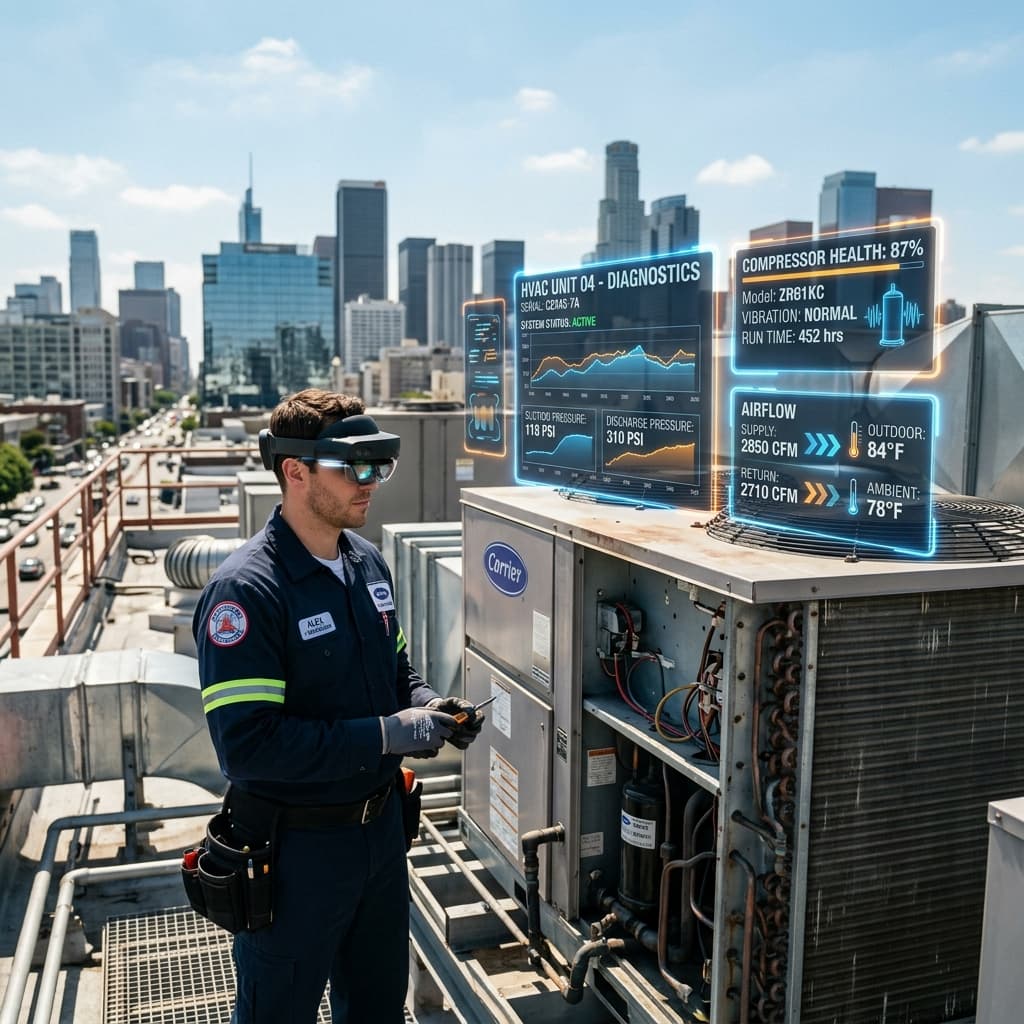
HVAC & Refrigeration
Inspect rooftop AC units and industrial chillers with glowing holographic screens showing compressor health and airflow instantly.
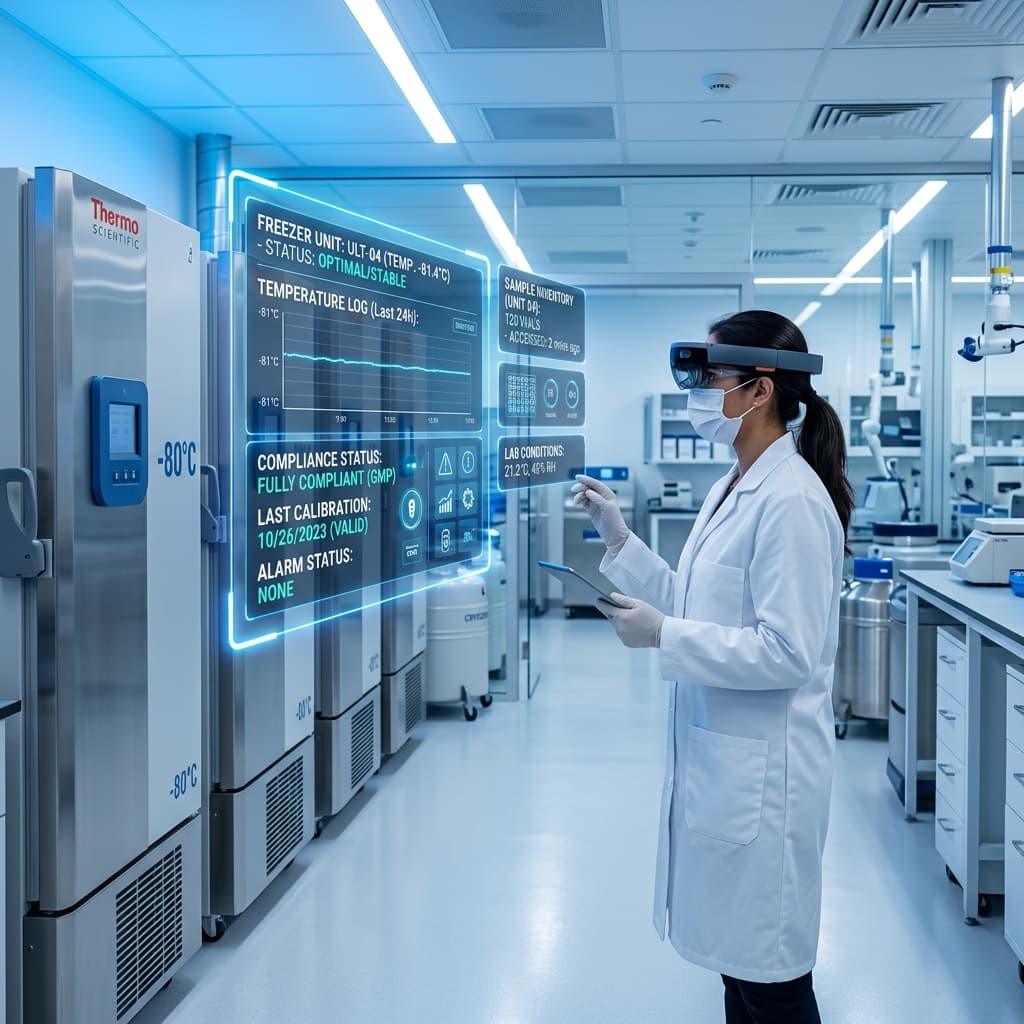
Pharma & Clinical
Walk past ultra-low freezers and immediately see their temperature logs and in-range status hovering in the air.
X-Ray Documentation for Future Maintenance
Scan your construction site before the drywall goes up. Relive the exact placement of hidden pipes and cables years later through spatial AR overlays.
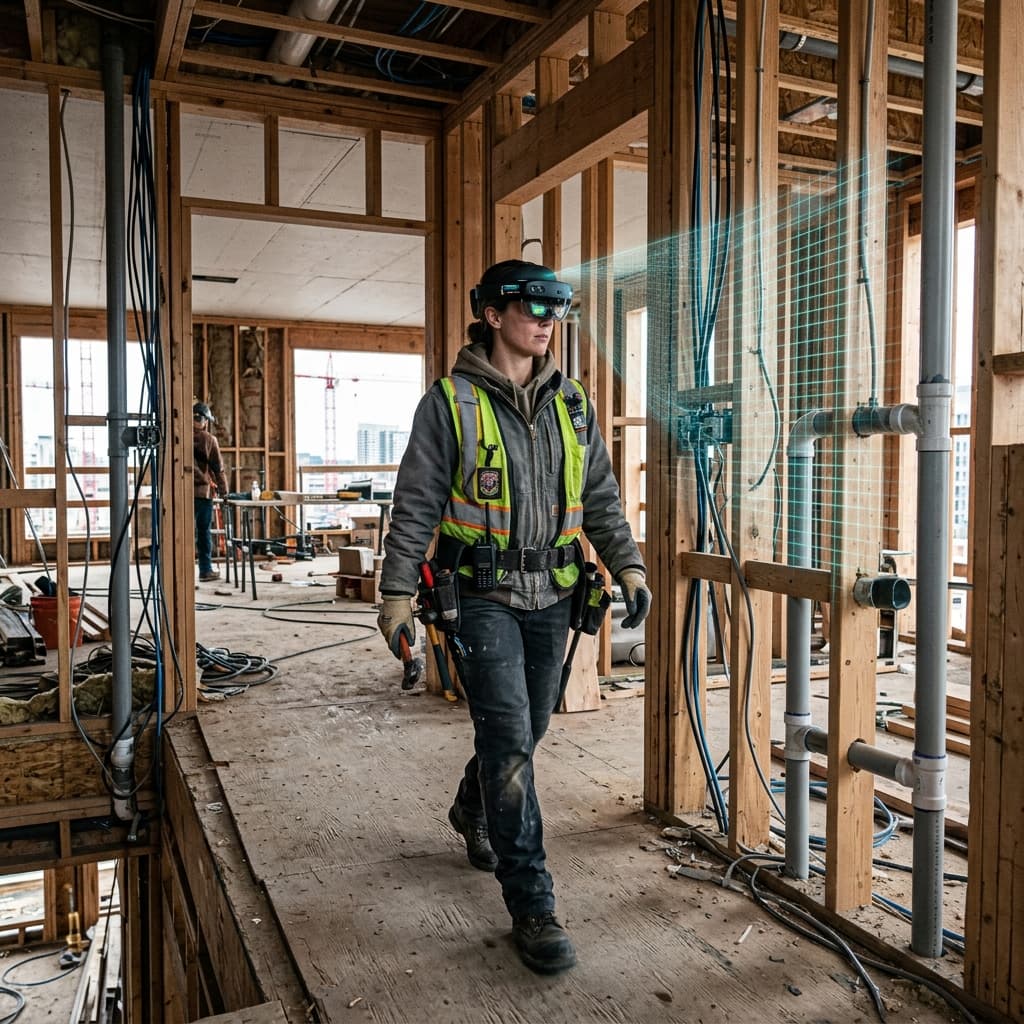
Wear your AR headset during the framing phase to capture a precise 3D spatial map of all exposed plumbing, electrical wiring, and HVAC ducting.
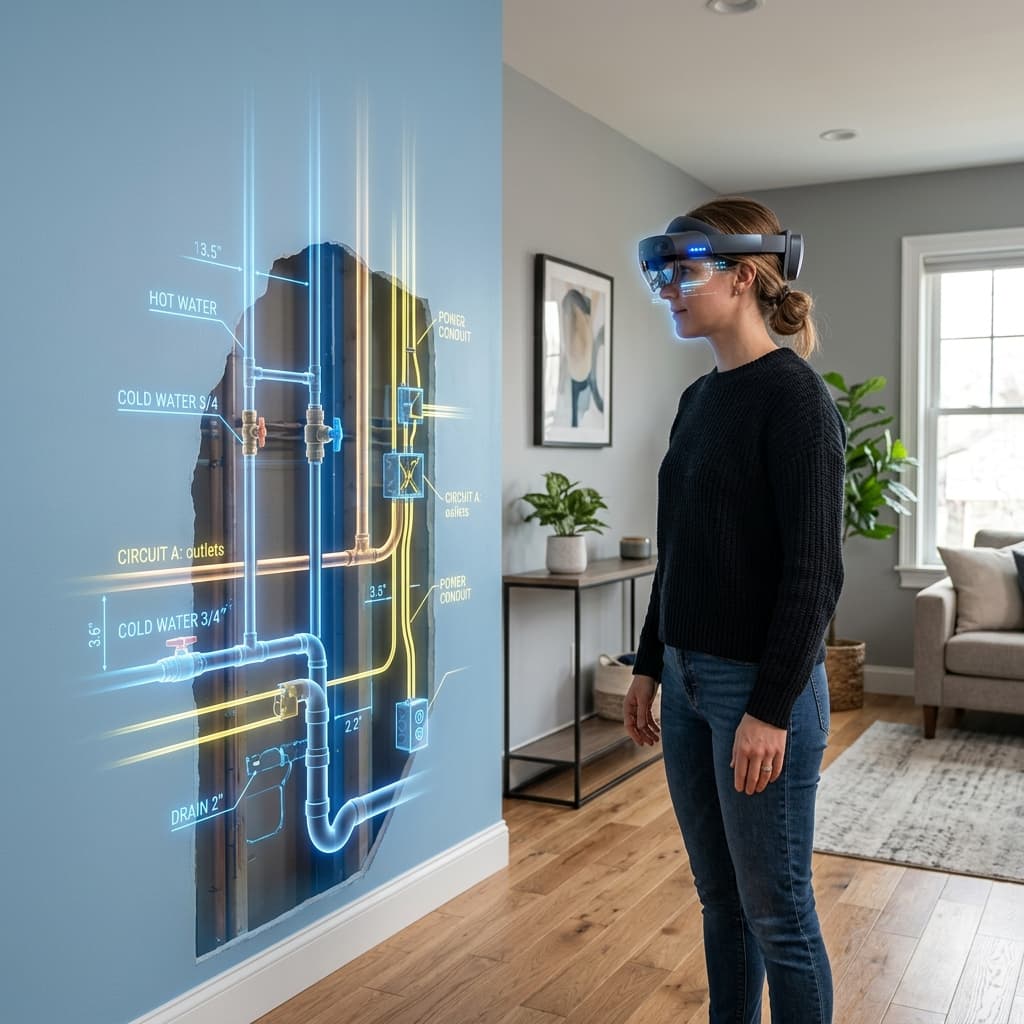
Years later, when the walls are perfectly finished and painted, put on your headset to see glowing holographic "X-Ray" overlays of exactly what's hidden perfectly behind the drywall.