Choose a different product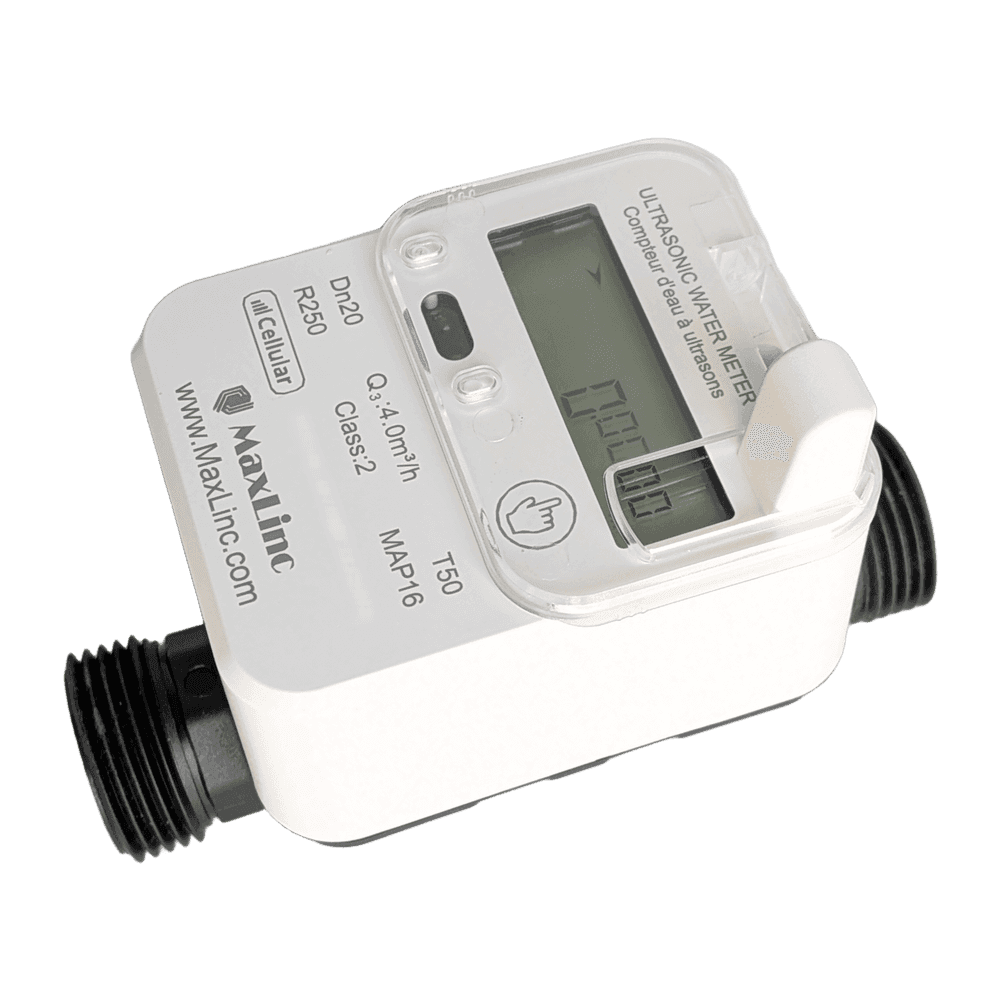
Cellular Water Meter
CWMETER • Water meter
Cellular
Set it up
Do this first. Have a licensed plumber fit the meter first. There is nothing to power, pair or configure on it: the cellular link starts on its own. Then register it to your free MaxLinc account.
- Have a licensed plumber fit the meter. It needs no power, pairing or configuration.
- Flush the pipe before fitting, then point the flow-direction arrow the way the water flows.
- Fit a strainer, a shut-off valve and a check valve before the meter, and a shut-off valve after it.
- Mount it horizontally with the display facing up, at a low point so the pipe stays full.
- Pressure-test and check for leaks once everything is connected.
- Tap through to the SIGNAL screen and confirm the meter shows bars before you close any pit or meter box.
- Go to app.maxlinc.com and create a free account, or sign in if you already have one.
- Choose “Add meter” and enter the Serial Number and DUID from the sticker on the side of the meter. Your readings appear within minutes.
Things that trip people up
- Do not use hemp or plumber’s rope as thread sealant. Strands break off and clog the meter: use PTFE tape or an approved paste.
- Do not over-tighten the connections. Hand-tighten, then give them one turn with a wrench.
- Do not open the housing or change the battery yourself. The sealed lithium battery is rated for about 6 years at one reading per day, and opening the housing breaks the seal.
- A metal lid or a deep vault can block the cellular signal. Check SIGNAL before you close the box, not after.
- Display codes E1 to E8 match the alerts in the app; the meter manual explains each one.
Warranty and service
Warranty & support
Your meter carries a 2-year limited warranty against manufacturing defects from the date of shipment. For warranty or service, contact MaxLinc or your distributor.
Not covered
- A broken or removed tamper seal.
- Damage from debris in un-flushed pipes.
- Misuse, or installation against these instructions.
- Freezing, lightning, chemical attack or other harsh-environment damage.
- Faults outside the meter, or events beyond our control.
Have this ready
- The Serial Number and DUID from the device label.
- Your MaxLinc order number or purchase date.
- What the device is doing, and what you expected it to do.
- A screenshot of the device card in app.maxlinc.com, if it is registered.
Then email Support@MaxLinc.com or call 1-888-365-8880.
Questions about this product
Our FAQ covers plans, ordering, shipping and more.